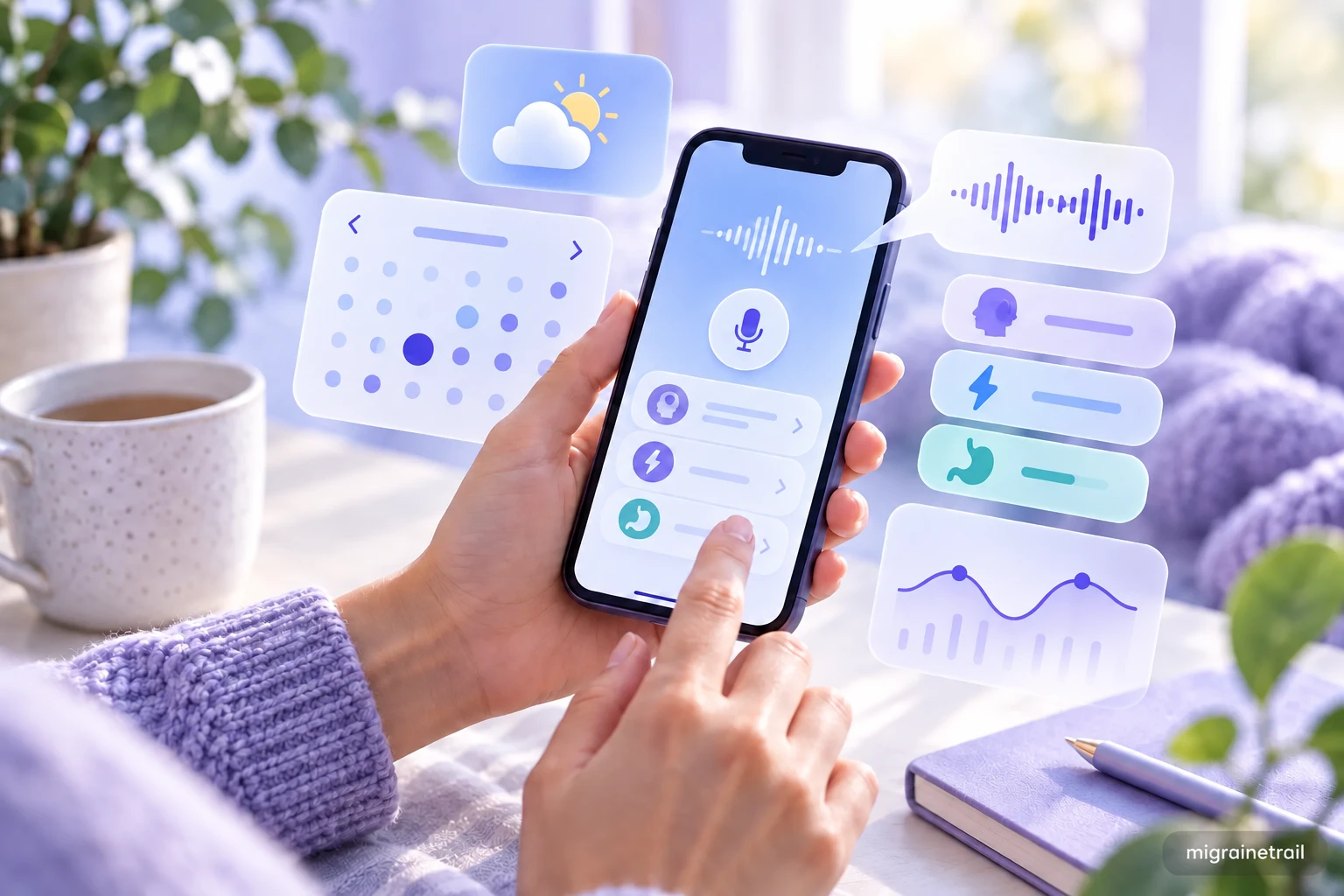
You likely use your phone to scroll social media or check emails. But that device in your pocket contains specific sensors that can rival a neurological research lab, if you know how to unlock them.
You don't necessarily need a fancy dedicated medical device to track your condition. Here is a step-by-step technical guide on how to configure your standard iPhone or Android device into a powerful Migraine Monitor.
1. The Barometer (It's Hardware, Not Apps)
Did you know your phone has a physical barometer chip inside it?
Originally designed to help GPS determine altitude (how high up you are), this sensor measures atmospheric pressure in real-time with incredible precision.
- Why it matters: Most weather apps give you the pressure at the nearest airport, which might be 20 miles away. Your phone knows the pressure in your living room.
- How to use it: Apps like Migraine Trail request access into this sensor. Enable "Motion & Fitness" or "Location" permissions often required to read this sensor. This gives you hyper-local pressure drop alerts (e.g., "Pressure dropping fast in your current building"). To see how this data powers proactive alerts, read about the weather migraine prediction tool.
2. The Accelerometer (Sleep Quality)
If you sleep with your phone on your mattress or wear a smart watch, the accelerometer measures micro-movements.
- The Hidden Metric: "Sleep Fragmentation" (or Restlessness).
- The Correlation: You might sleep for 8 hours, but if the accelerometer detects you tossed and turned 40 times, your sleep quality was poor.
- Action: Sync your logs. Look at the correlation between "Restless Sleep" and "Next-Day Migraine." If it's high, your trigger isn't lack of sleep, it is quality of sleep. You might need a cooler room or a weighted blanket.
3. Screen Hygiene Automation (Shortcuts)
One of the worst things during a migraine is unlocking your phone to log symptoms, only to be blinded by the bright white light.
For iPhone Users (iOS Shortcuts):
- Go to Settings > Accessibility > Display & Text Size > Color Filters.
- Turn on "Color Tint" and select pure Red. Make it intense.
- Go to Settings > Accessibility > Accessibility Shortcut.
- Select "Color Filters".
The Result: Now, triple-click your power button. Your screen instantly turns deep red. This light is much gentler on a migraine brain, allowing you to use your phone without pain.
For Android Users:
- Enable "Night Light" or "Eye Comfort Shield" and set the intensity to max.
- Use a "Twilight" overlay app to force a red screen filter.
4. Voice Memos & Transcription
Typing requires fine motor skills and visual focus, two things that vanish during an aura.
- The Hack: Use the "Quick Log" widget from Migraine Trail.
- The Workflow:
- Tap the widget on your home screen.
- Close your eyes.
- Say: "Pain is 8/10, pulsing behind left eye. Feeling nauseous. Taking 100mg Sumatriptan."
- The Natural Language Processing (NLP) engine transcribes this and populates the database fields automatically.
5. Noise Exposure Meter
Loud environments (concerts, busy restaurants) are triggers. But how loud is too loud?
- The Tool: The built-in microphone.
- Monitoring: Use the "Hearing" control center module (iOS) or a decibel meter app. Monitor your ambient noise levels.
- Threshold: If sustained noise exceeds 80dB, puts in high-fidelity earplugs (like Loop or Flare). Tracking when you wore earplugs vs. when you got a headache can be revealing data. Noise is just one of many environmental factors - explore the full list of 10 common migraine triggers to know what else to watch for.
Conclusion
Your phone is not just for communication. For people living with chronic migraines, it is a biometric data collection rig that can transform your migraine management. By enabling the right sensors and syncing them to a central logic engine (like our migraine tracker app. For a deeper look at how AI improves tracking, see our guide to migraine tracking with AI), you turn passive data into active migraine relief. With the right setup, your phone becomes a powerful tool to discover your migraine patterns around the clock. For a broader comparison of the tools available, see our roundup of the best apps to track migraine symptoms. You can also learn how to track migraines without looking at a screen and follow our daily migraine tracking guide to build a consistent habit.