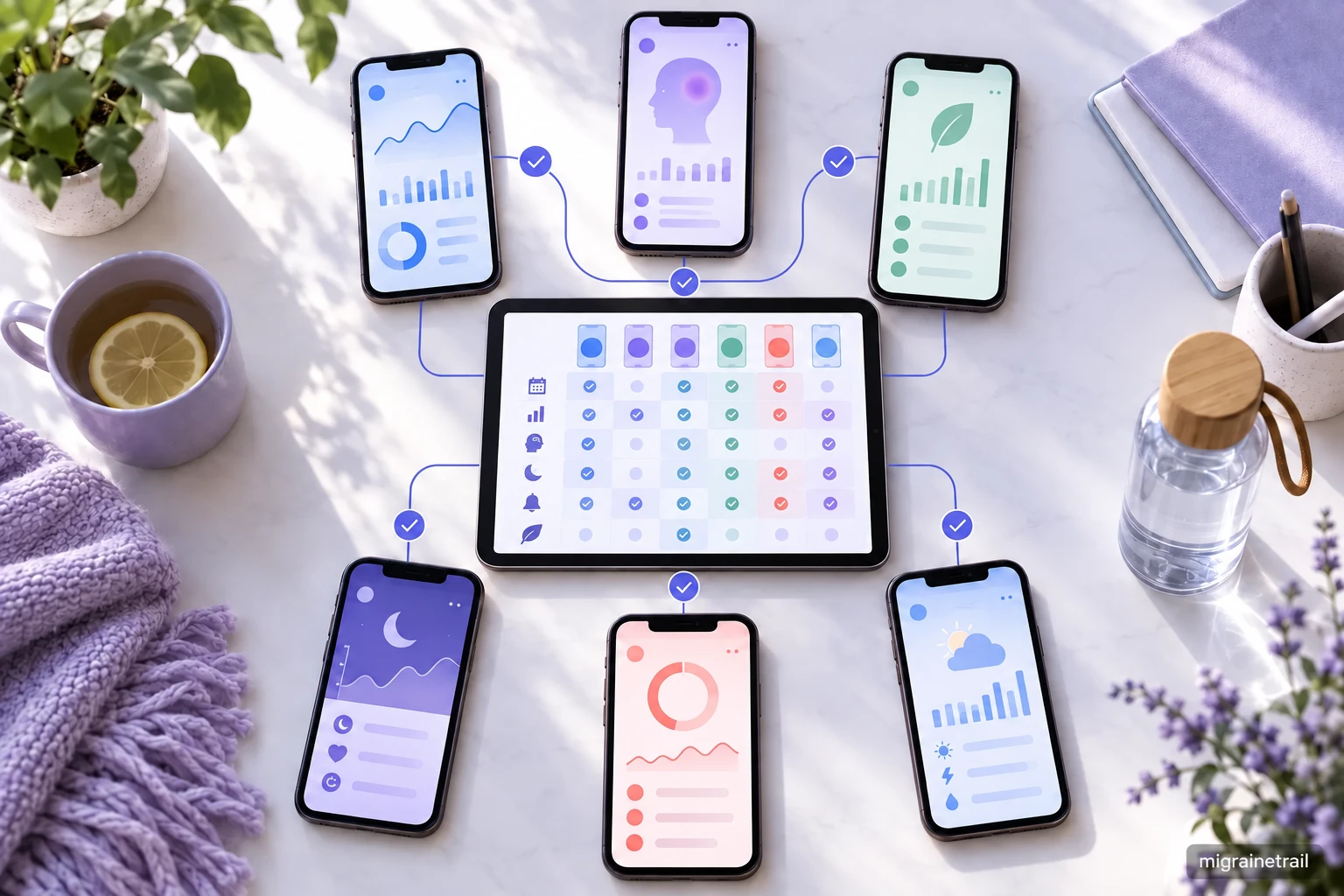
Migraine tracker data portability means you can download, understand, preserve, and move your history instead of losing it when you change phones or apps. Before you commit to a tracker, check whether it offers a complete export, what format it uses, whether backups can be restored, and how timestamps and medication records are represented.
Portability can sound technical, but the human reason is simple: the entries you made during difficult days belong in your long-term health story.
Export, backup, and restore are not the same
- Export: A copy you download for a doctor, analysis, or transfer to another system.
- Backup: A preserved copy intended to protect against loss or device failure.
- Restore: Putting a backup or export back into an app or compatible system.
- Sync: Keeping data aligned across devices; sync is not always a downloadable backup.
An app may sync automatically and still make it difficult to retrieve a usable copy. Ask about all four functions.
What a complete migraine data export should contain
Look for more than a list of dates. A useful export may include:
- Attack start and end timestamps.
- Time zone or a clear indication of how time is stored.
- Severity, pain location, and symptoms.
- Attack phases or early warning symptoms when you record them.
- Medication name, dose, route, time, and outcome.
- Preventive treatment history.
- Daily factors such as sleep, meals, hydration, stress, cycle, and weather.
- Notes and corrections.
- Tags or custom fields.
- Voice transcripts, if voice logging is part of your record.
- Attachments, or clear information that attachments are not included.
No app can promise a universal export format that every other app will import perfectly. Portability is still improved when the data is documented and machine-readable.
CSV versus JSON for migraine tracking data
| Format | What it is good for | What to check |
|---|---|---|
| CSV | Opening rows in a spreadsheet and filtering events | Whether one attack can have multiple symptoms or medications |
| JSON | Preserving nested fields, custom values, and structure | Whether the file includes a data dictionary or schema |
| PDF | Reading a summary or sharing with a doctor | Whether it is a report rather than the complete history |
| Plain text | Keeping a simple human-readable copy | Whether dates and fields are consistent |
If you receive a CSV, check whether a medication or symptom is stored in one cell, multiple rows, or a coded ID. If you receive JSON, look for an explanation of field names and units.
The portability checklist to use before installing
Ask the app or search its help center:
- Can I download all of my migraine history?
- Can I export both a readable report and raw structured data?
- Are voice recordings or transcripts included?
- Are weather and location fields included, and how precise are they?
- Are deleted or corrected entries represented?
- Are times stored in local time or UTC?
- Can I restore after reinstalling the app?
- Can I move data to a new phone or another platform?
- Is export available on the free plan?
- Can I delete the account and request a copy first?
Save the answers along with your first export. Product policies and features can change.
How to back up your migraine history safely
Create a backup after important changes, such as:
- Switching phones.
- Starting a new preventive treatment.
- Completing a long tracking period.
- Preparing for a specialist appointment.
- Before deleting an app or account.
Use a secure location with access controls. If your export contains names, medication, location, or voice data, avoid leaving it in a public folder or sending it to a shared account. Keep at least one copy separate from the device that holds the app.
Open the file after downloading it. A backup that cannot be opened may not be useful. Check a few dates, medications, and notes, and verify that the file is not empty or truncated.
Restoring after a reinstall or phone change
Before deleting the old app:
- Confirm that sync has finished.
- Download a full export.
- Check the export for recent entries.
- Record the account or restore method.
- Make sure you know which device or service holds the backup.
After reinstalling:
- Restore before creating duplicate test entries.
- Check the earliest and most recent dates.
- Confirm medication names and time zones.
- Look for missing voice notes, attachments, or custom fields.
- Keep the old export until you are satisfied.
If an app does not support restore, you may still keep the raw export for your records or give the readable report to your healthcare team.
Portability and privacy go together
An export gives you control, but it also creates another copy of sensitive health data. HHS explains that the privacy rules applying to health information depend on the app and the relationship behind it; HIPAA is not a blanket label for every consumer health app. Read the privacy policy, keep copies secure, and ask how deletion works.
If you send a report to a doctor, use the clinic’s preferred secure channel. Share the smallest date range and set of fields that answers the question.
Frequently asked questions
Can I restore migraine data after reinstalling an app?
Only if the app supports restore or account-based synchronization for that data. Before reinstalling, download a complete export and verify it. Do not assume that an App Store or cloud backup includes the app’s health records.
Is CSV or JSON better for migraine tracker portability?
CSV is easier for people to open and review. JSON can preserve more complex structure, such as multiple symptoms or medications in one attack. The best option is the one the app documents clearly and that you can open later.
Is a PDF a full backup of my migraine history?
Usually not. A PDF is often a summary designed for reading. Keep a structured export, such as CSV or JSON, when you want to preserve individual entries or move them.
Can I request my health data from an app?
The answer depends on the app, its policies, and the laws that apply. Check the app’s export and access process. HHS explains that an individual’s right of access under HIPAA concerns covered entities and designated records; it does not automatically make every consumer app subject to HIPAA.
More ways to choose and keep a migraine diary
Sources